Landmarked
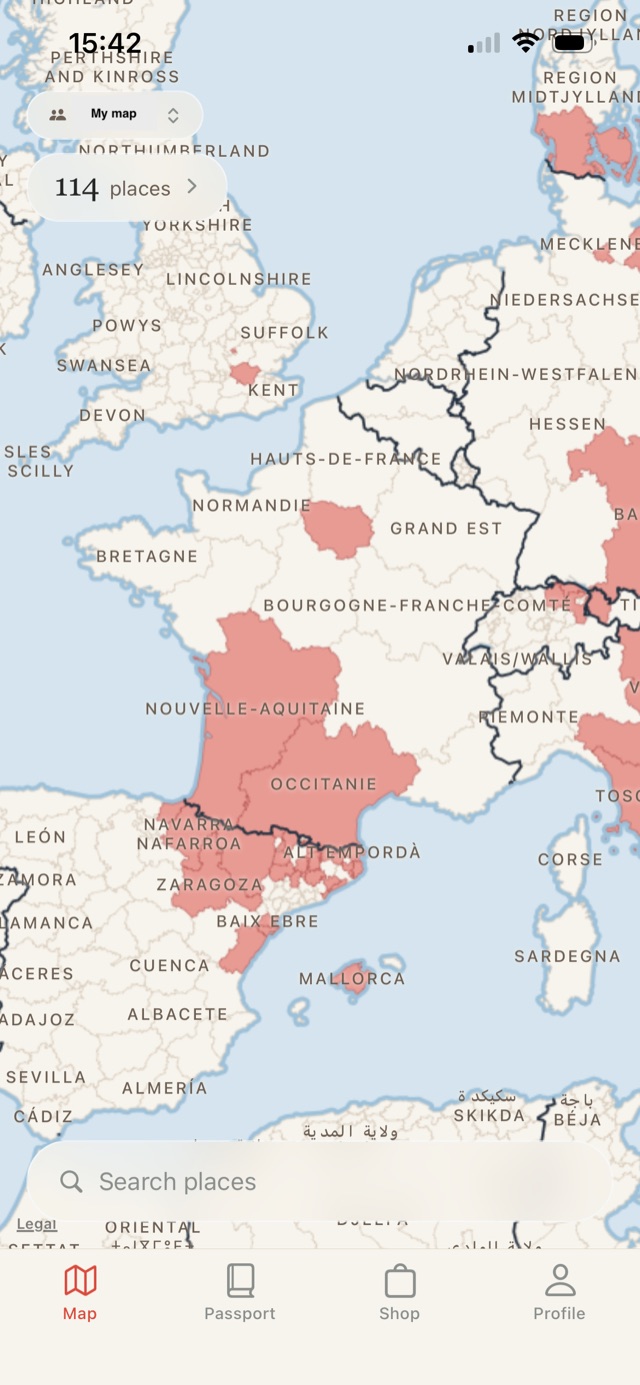
A place to store your travel memories
Download on the App Store Get it on Google Play
Use it now on the web at app.landmarked.site. Coming soon to the App Store and Google Play.
Guides
How to count countries, keep memories, and pick a challenge for the next trip.
How Many Countries Have You Visited?
Count countries without arguing over airports, then keep the list on a map you can look at.
How to Create the Ultimate Travel Bucket List
Turn a pile of “someday” places into a list you can actually travel from.
10 Creative Ways to Track the Countries You Have Visited
From scratch posters to digital maps, and what each method actually keeps.
How to Keep Your Travel Memories Organized
Photos, dates, notes and maps in one place, instead of a camera roll you will never search.
What Percentage of the World Have You Explored?
Countries, land area and regions each give a different percentage. None of them is the whole truth.
Countries vs. Cities: The Best Way to Track Your Travels
Country counts flatten a trip. City lists explode. Regions sit in the middle.
The Most Visited Countries in the World
2024’s busiest countries, with dated figures, and why your own map does not have to look like the ranking.
How to Build Your Own Digital Travel Passport
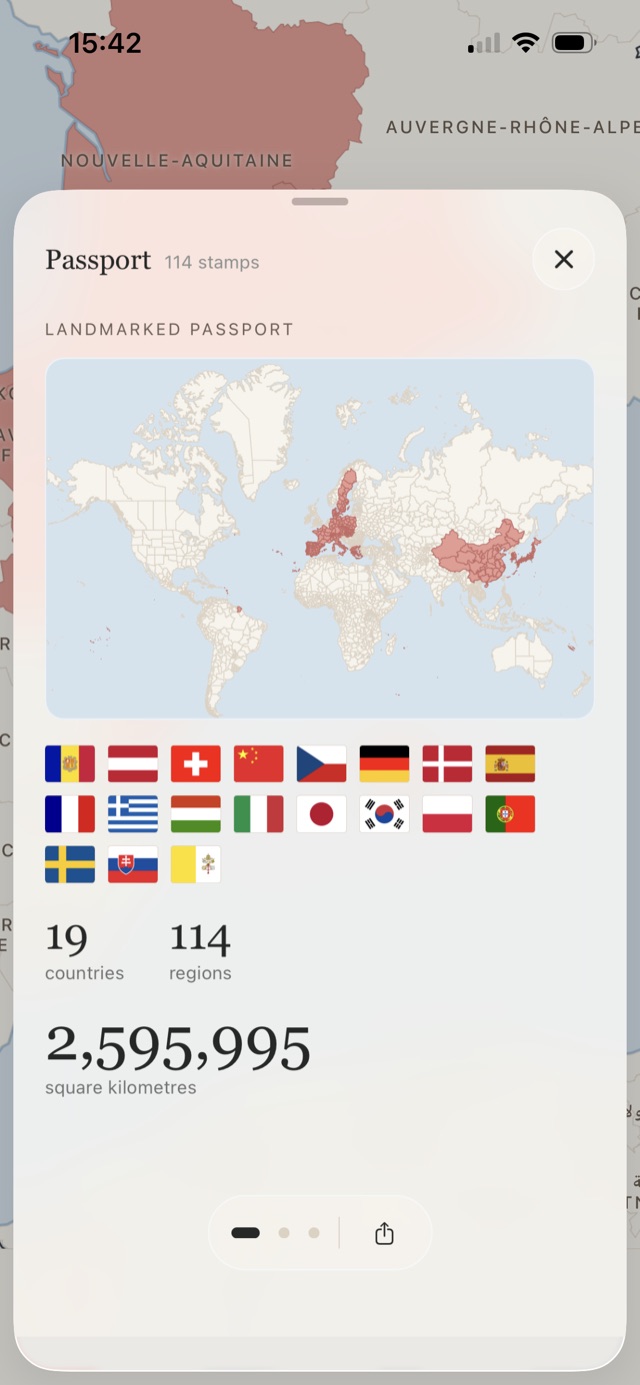
A passport of places you stamped yourself, with dates and a few photos, not another social app.
Travel Challenges: 20 Goals for Your Next Adventures
Twenty goals that fit on a map: continents, regions, seasons, return trips, and one new country a year.
Questions
What is Landmarked?
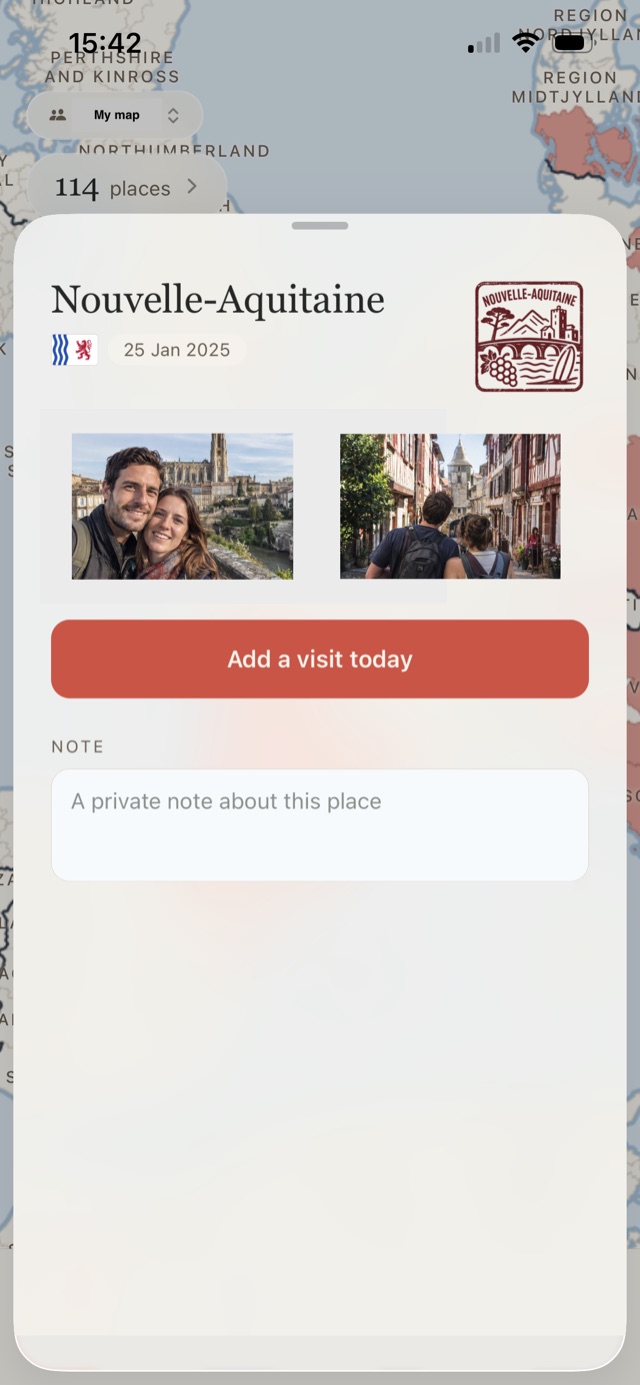
A map of the places you have been. Stamp a region, add the date and photos, and collect them in a passport. The about page explains the rest.
How do I start?
Open app.landmarked.site and sign in with Google. Tap a region to mark a visit. The walkthrough goes through each step.
Is it free?
Yes. The free plan is enough to start a map. It shows ads. Premium removes the ads, lets you write private notes, and raises the limits on photos, your wishlist and shared maps.
Who can see my photos?
Only you, and the people you share that map with. Photos are not public.
What does the passport show?
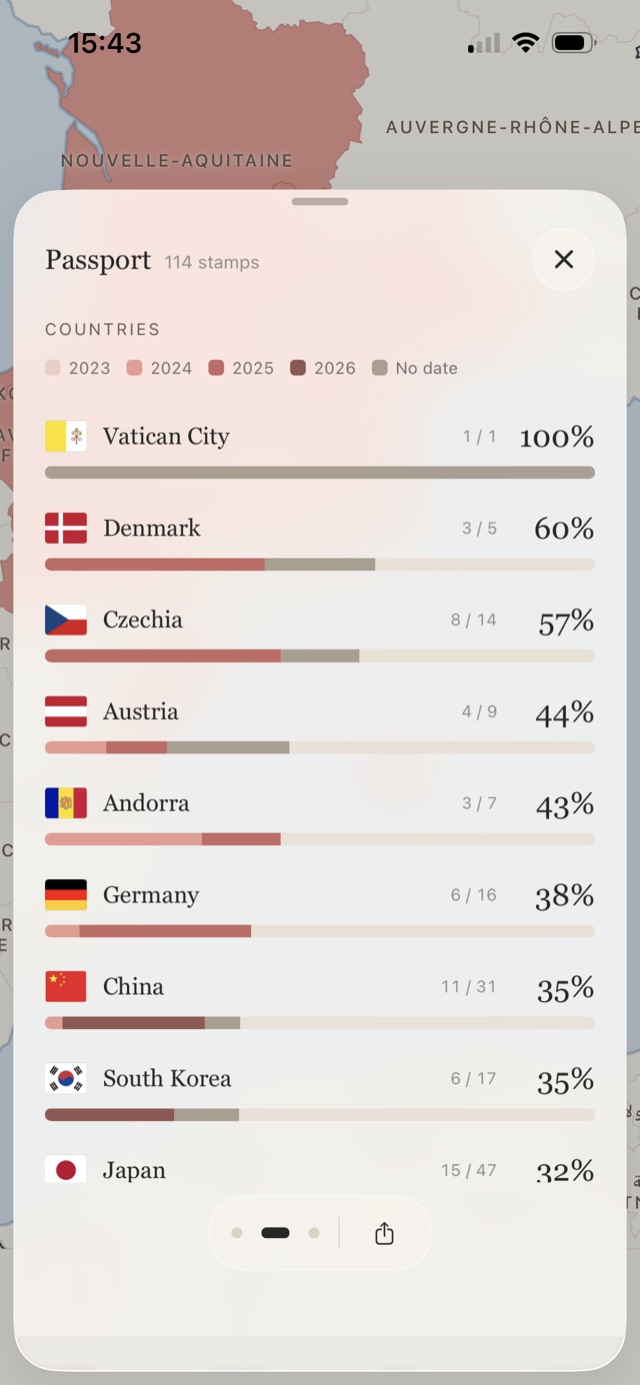
Your stamps, the countries and regions you have marked, and how much of each country you have covered.
Can I share a map?
You can keep a map to yourself, or share one so other people mark places with you. Anyone can join a shared map. Creating one is part of Premium.
Does Landmarked track where I am?
No. We do not store your location. If the app asks for it, it is only to center the map while it is open.
Is there an iPhone or Android app?
Use it in the browser now. The App Store and Google Play apps are coming soon.
How do I delete my account?
From your profile in the app. That removes your maps and photos. The privacy policy explains what we store.